Skip to content
Accessories
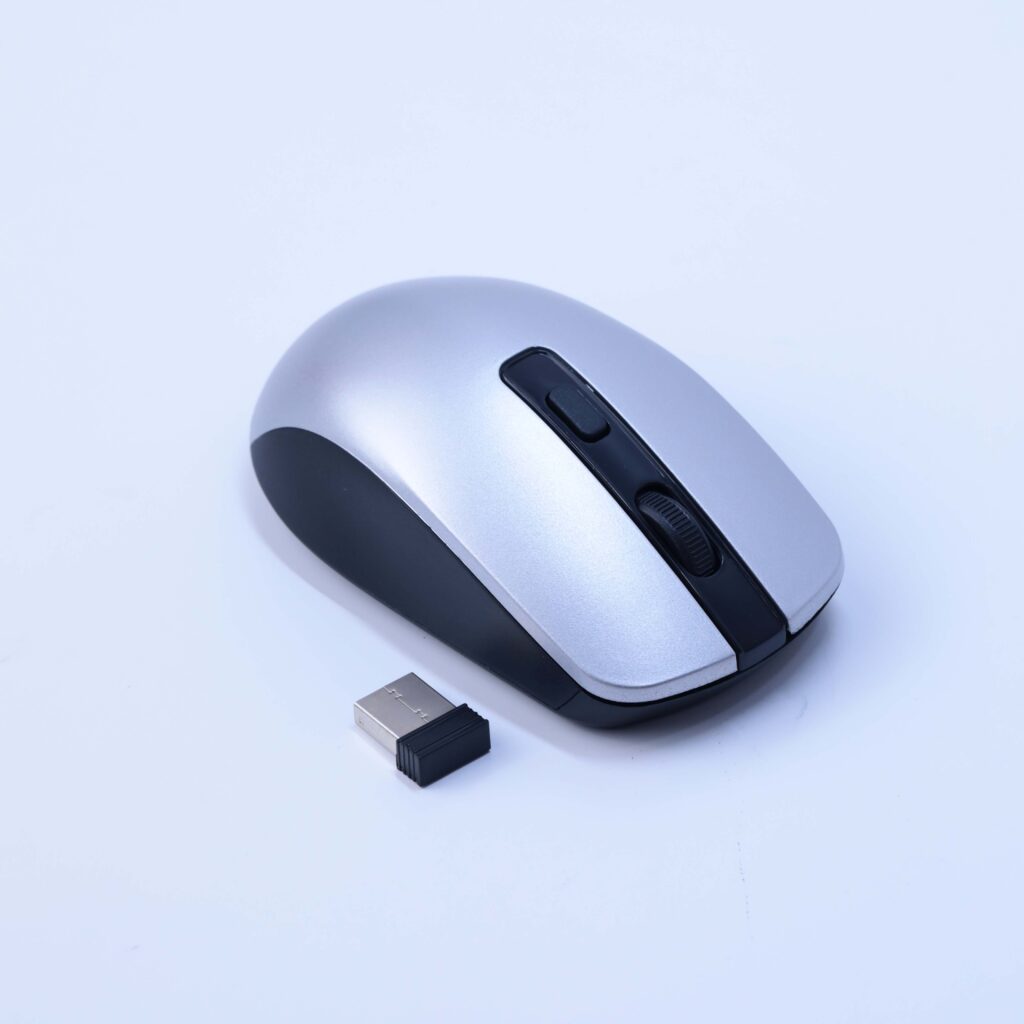
Wireless mouse for compatible equipment. Confirm the model, receiver or Bluetooth connection, platform support and battery arrangement before ordering.
Ask our team for this product’s datasheet
A wireless mouse provides cursor control without a cable connected directly to the mouse. It can help organize a computer desk or another supported device setup. The exact model determines the connection method, power arrangement and available controls.
First, identify the device that you want to control. A wireless mouse must have a connection method supported by that equipment. Also, check whether the device provides a suitable port if the mouse uses a USB receiver.
Next, consider the available desk space and how the mouse feels in use. Button count and tracking features vary by model. However, software features or recorder compatibility should not be assumed without an exact specification.
In addition, confirm the supplied package before ordering. Test pointer movement, clicking and any required scrolling with the intended device. Finally, keep the matching receiver with the mouse to avoid connection problems during later use.
Before ordering, confirm the exact version and package contents for your installation. Also, send our team the equipment model or a clear photo of the connection if you need help matching parts.
Explore our installation accessories for related items. Finally, contact Ghannam Security Systems about wireless mouse. We can help you check the details needed for your project.
Talk to our team for product information and guidance.
 Optimized by Seraphinite Accelerator