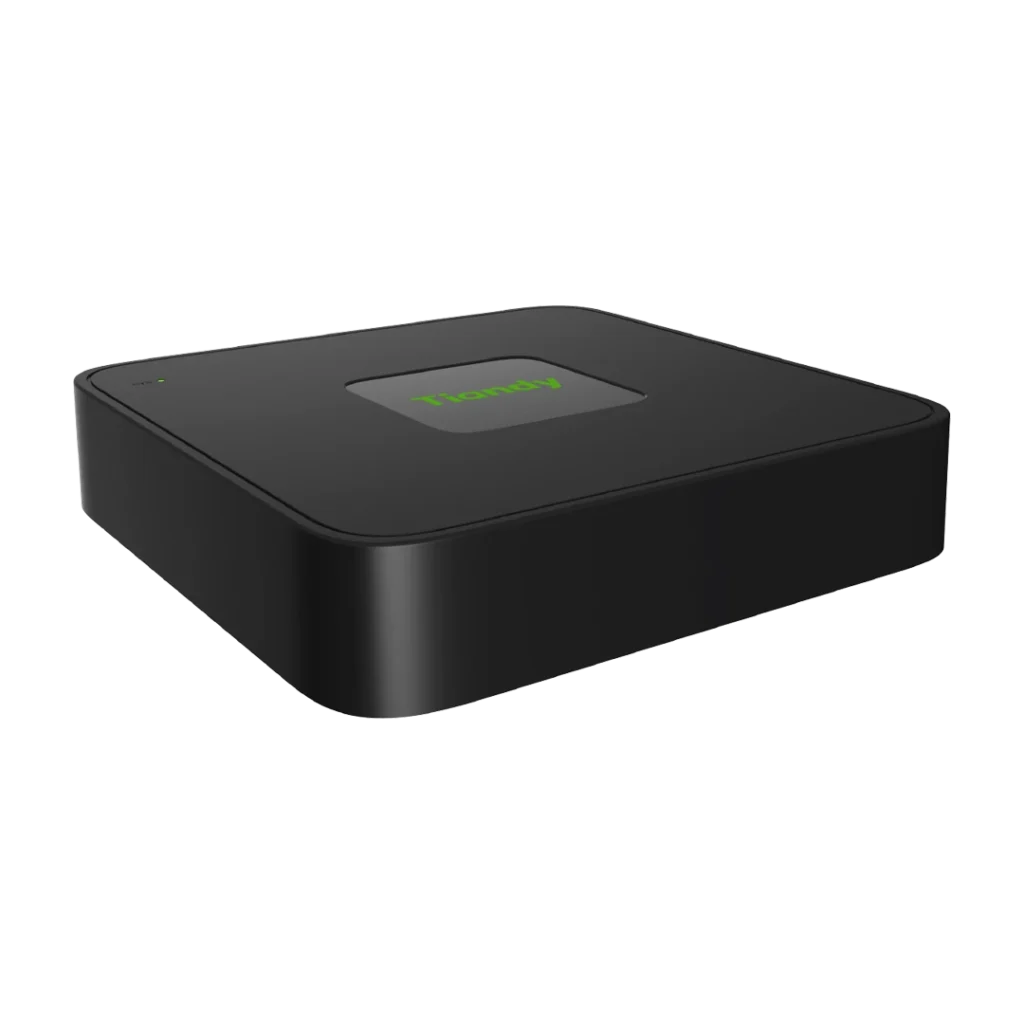
Tiandy NVR
Tiandy TC-R3108 NVR with eight IP channels and one HDD bay plus eight PoE ports. Listed Spec: I/B/P8/C/Eu/L/S. Confirm operating mode, camera support and supplied storage.
Product datasheet · Opens in a new tab
The Tiandy TC-R3108 NVR organises compatible camera video in an eight-channel surveillance setup. Eight PoE ports provide connections for suitable IP cameras. One HDD bay gives you a starting point for planning local recording storage.
First, compare the camera models with the recorder’s supported video formats. Check the stream resolution, encoding and total incoming bit rate. Maximum input resolution is different from simultaneous decoding or playback capacity. Confirm each requirement before choosing a system.
Next, calculate the recording storage around the camera count, bit rates and recording schedule. A single HDD bay does not mean a disk comes installed. Ask about the supplied drive package and the supported capacity for the exact recorder version.
The TC-R3108 NVR needs a suitable camera connection and power arrangement. Review both the per-port and total PoE limits for the supplied model. Do not assume every port can deliver its maximum at the same time. Also, plan the display output and the viewing layout.
Finally, test live video, recording, event search and playback with the intended cameras. Keep the exact equipment reference and the selected stream settings with the installation records. Our team can help clarify the supplied version and the requirements of your project before you order.
Confirm the exact model, supplied version and package contents before ordering. Also, send our team the existing equipment reference if you are replacing a device. This helps us check the details for a suitable match.
Explore our Tiandy network recorders for related products. Alternatively, contact Ghannam Security Systems to discuss your installation requirements and available options.
Talk to our team for product information and guidance.